Getting Started with Draw It Online
Welcome to Draw It Online! This guide will help you get started with the free browser-based drawing tool. In just a few minutes, you'll be sketching, doodling, and creating artwork like a pro.
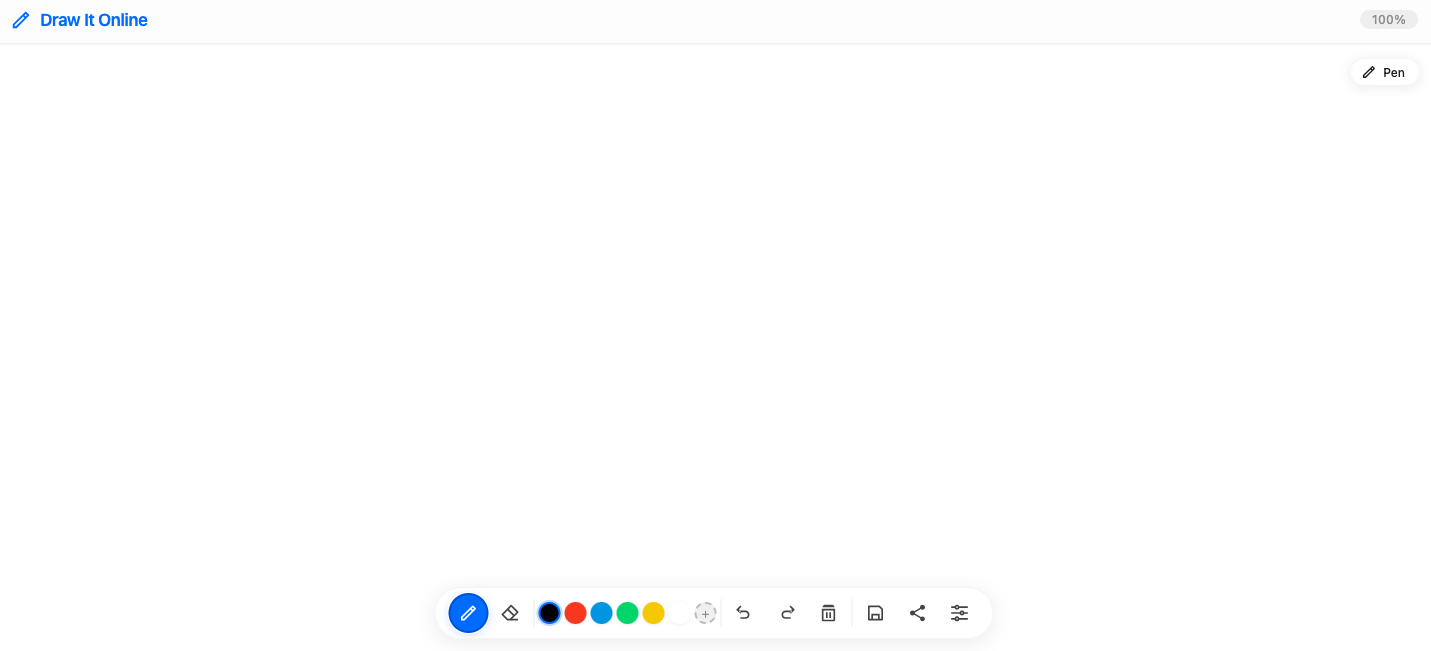
The Draw It Online canvas – your blank space to create.
Step 1: Choose Your Brush
On the bottom toolbar, you'll find the brush and eraser tools. Click the pen icon to select the brush.
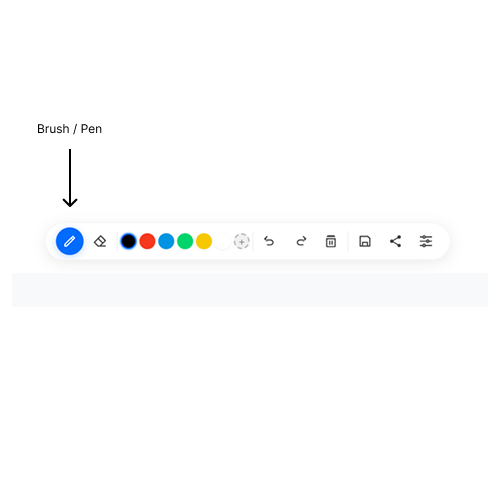
Select the brush tool to start drawing.
You can also choose from three brush types:
- Basic – A solid, consistent stroke.
- Soft – A softer, more blended stroke.
- Ink – A crisp, sharp stroke like a fountain pen.
Access these from the Settings modal (the gear icon on the toolbar).
Step 2: Select a Colour
Choose your colour from the quick colour palette on the toolbar. You'll see six common colours ready to go.
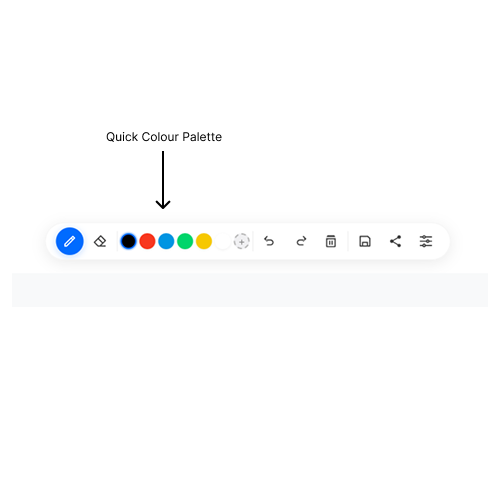
Quick colours on the toolbar – click to switch instantly.
For more options, click the + button to open the full colour picker. You can also use the custom colour picker in the Settings modal.
Step 3: Start Drawing
Now you're ready! Click and drag on the canvas to start drawing. Release to finish a stroke.
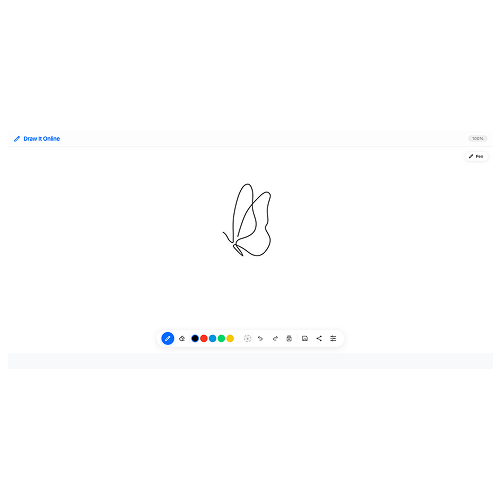
Just click and drag – it's that simple.
Experiment with different brush sizes and colours to find your style.
If you make a mistake, use Ctrl+Z (Windows) or ⌘Z (Mac) to undo. Ctrl+Shift+Z redoes.
Step 4: Save or Share Your Work
When you're happy with your drawing, you have several options:
- Save as PNG – Download your drawing as an image file.
- Export as PDF – Save your drawing as a PDF document.
- Share – Use the share button to send your drawing directly.
All these options are available from the toolbar or the Settings modal.
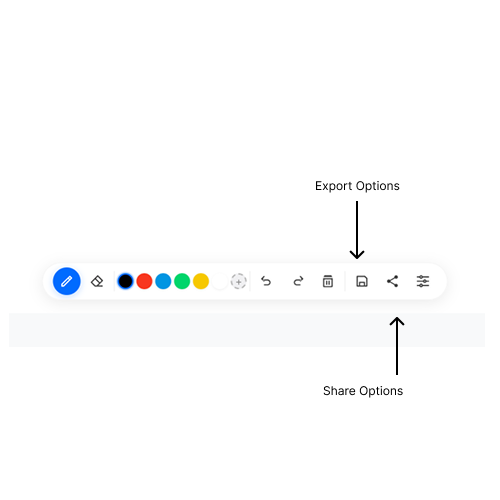
Save, export, or share your artwork.
That's it! You now know the basics of Draw It Online. The rest is up to you – let your creativity flow.