Free Online Sketch Pad
Draw online instantly with a free sketch pad that works directly in your browser. No downloads, no installation, and no account required.
What Is an Online Sketch Pad?
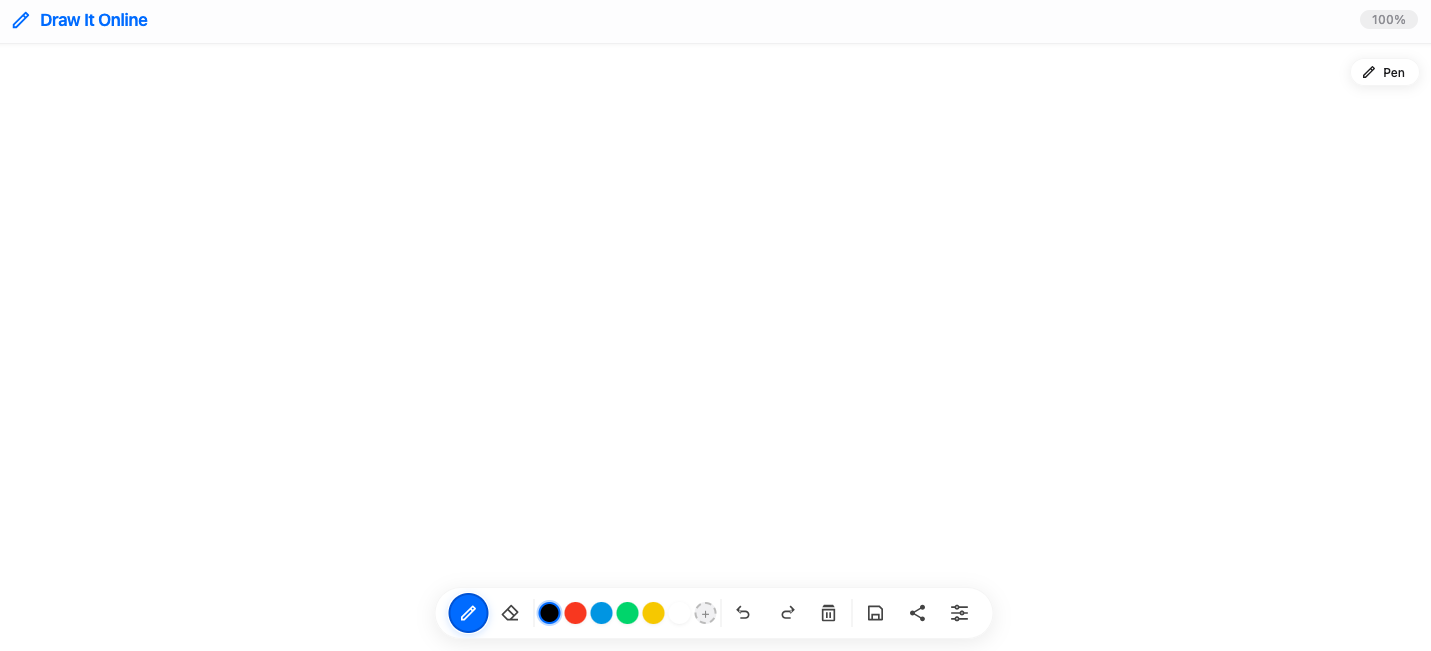
An online sketch pad lets you draw, sketch, and doodle directly from your browser. Unlike traditional drawing software, you don't need to install anything on your computer.
Draw It Online provides a simple canvas where you can quickly sketch ideas, practice drawing, or create artwork from any device.
Why Use Draw It Online?
No Download Required
Start drawing immediately without installing software.
Automatic Saving
Your sketches are automatically saved so you don't lose your work.
Works on Mobile & Desktop
Use Draw It Online from your phone, tablet, or computer.
Free to Use
No subscriptions or registration required.
Who Is This Sketch Pad For?
Draw It Online is ideal for:
- Students practicing drawing and taking visual notes.
- Artists making quick sketches and concept art.
- Teachers creating diagrams and explaining ideas.
- Anyone who wants to doodle online for fun.
How to Start Sketching
Open the canvas
Click the Start Drawing button to launch the sketch pad.
Select your brush
Choose a brush type, size, and color that fits your style.
Start sketching
Draw freely using your mouse, stylus, or finger.
Save or share
Export your work as PNG, PDF, or share it directly.
It's that simple. Click the button above and start drawing in seconds.