Overview
Draw It Online is a free, browser-based sketch application that lets you draw, annotate, and brainstorm without any barriers. No account, no installation, no data collection – just pure creative freedom.
All your strokes are stored locally using the localStorage API, meaning your data never leaves your device. Whether you're a designer, teacher, student, or just someone who loves to doodle, Draw It Online gives you the essentials: multiple brush types, infinite canvas, undo/redo, grid support, and export options – all in a clean, distraction-free interface.
Features
Multiple Brushes
Basic, Soft, and Ink brush types with adjustable size and opacity to suit your style.
Infinite Canvas
Pinch to zoom, drag to pan, and rotate freely – your canvas never runs out of space.
Auto‑Save (localStorage)
Every stroke is saved automatically. Close the tab, come back – your drawing is restored exactly as you left it.
Export & Share
Save as PNG, export as PDF, or share directly using the Web Share API on supported devices.
Undo / Redo
Full history with keyboard shortcuts (Ctrl+Z / Ctrl+Shift+Z) – never lose a stroke.
100% Private
No sign‑up, no data sent to servers – your sketches are yours alone.
How it works
Draw freely
Use the pen or eraser with your preferred colour, size, and brush type.
Auto‑saved
Your strokes are stored in localStorage – close and reopen, and your drawing is restored.
Export or share
Save as PNG, export as PDF, or share directly – your work is always under your control.
No sign‑up, no tracking
Your data never leaves your device. Privacy first, always.
Technical detail: The app uses the localStorage API to save your drawing history every time you lift your pen (or finger). The saved data persists until you clear your browser's site data or explicitly clear the canvas. No data is transmitted over the network.
Browser Compatibility
Draw It Online works on all modern browsers that support the HTML5 and localStorage. We recommend the latest versions of:
- Google Chrome
- Mozilla Firefox
- Apple Safari
- Microsoft Edge
- Opera
- Brave
- Vivaldi
JavaScript required: The app relies on JavaScript for all interactivity. Please ensure JavaScript is enabled in your browser.
Interactive Drawing Lessons
Hands-on tutorials that combine reading with real-time practice. Draw along as you learn!
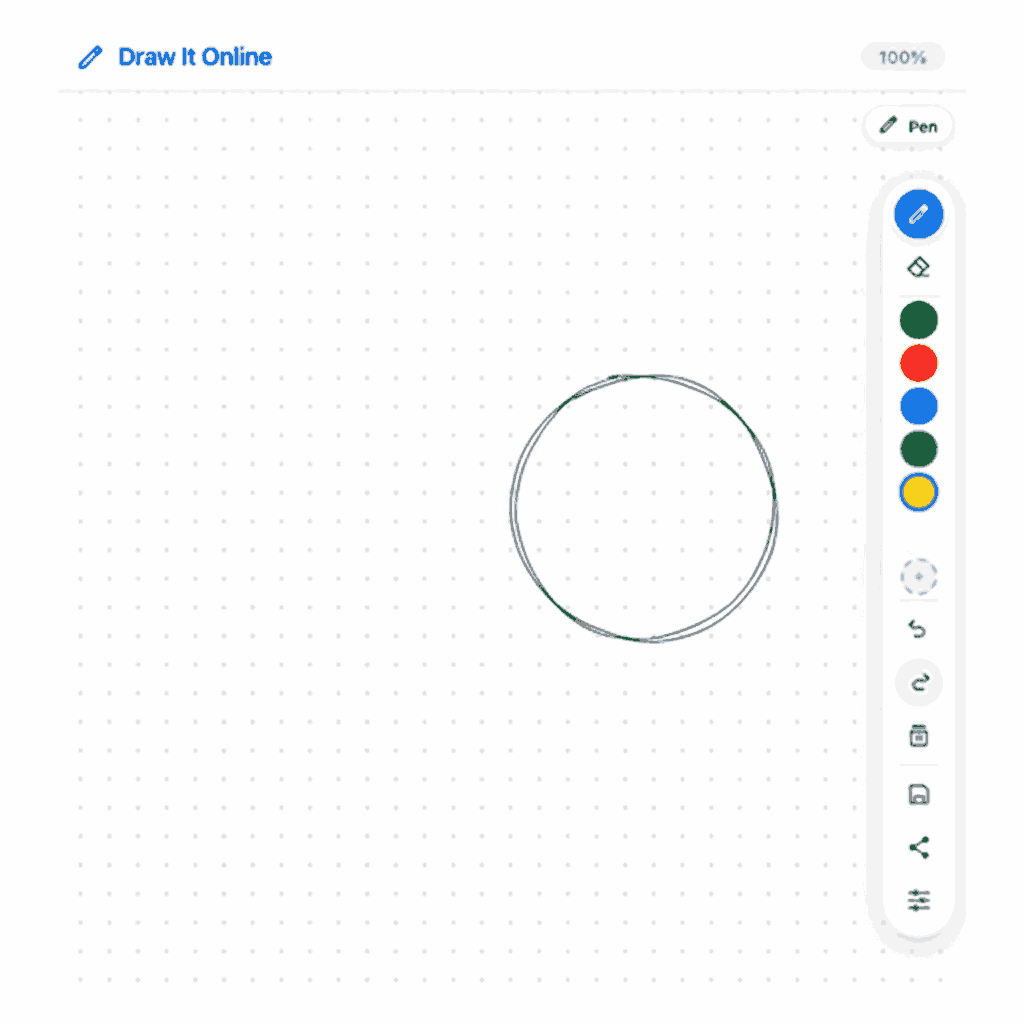
The Perfect Circle – Interactive Lesson
Learn to draw a perfect circle with our side-by-side interactive tool. Practice in real-time as you follow the steps.
Interactive Beginner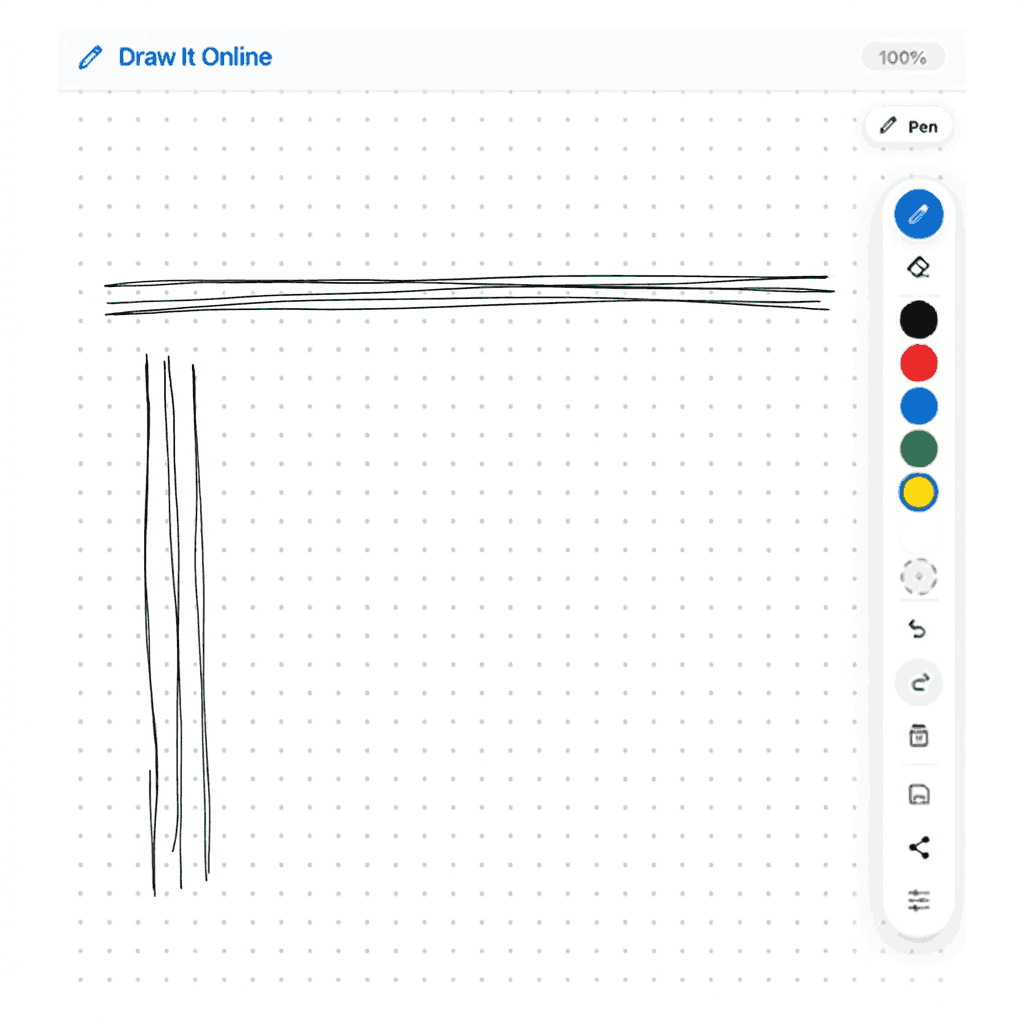
The Straight Line Drill – Interactive Lesson
Learn to draw straight lines with our interactive warm-up drill. Train hand-eye coordination and muscle memory.
Interactive Beginner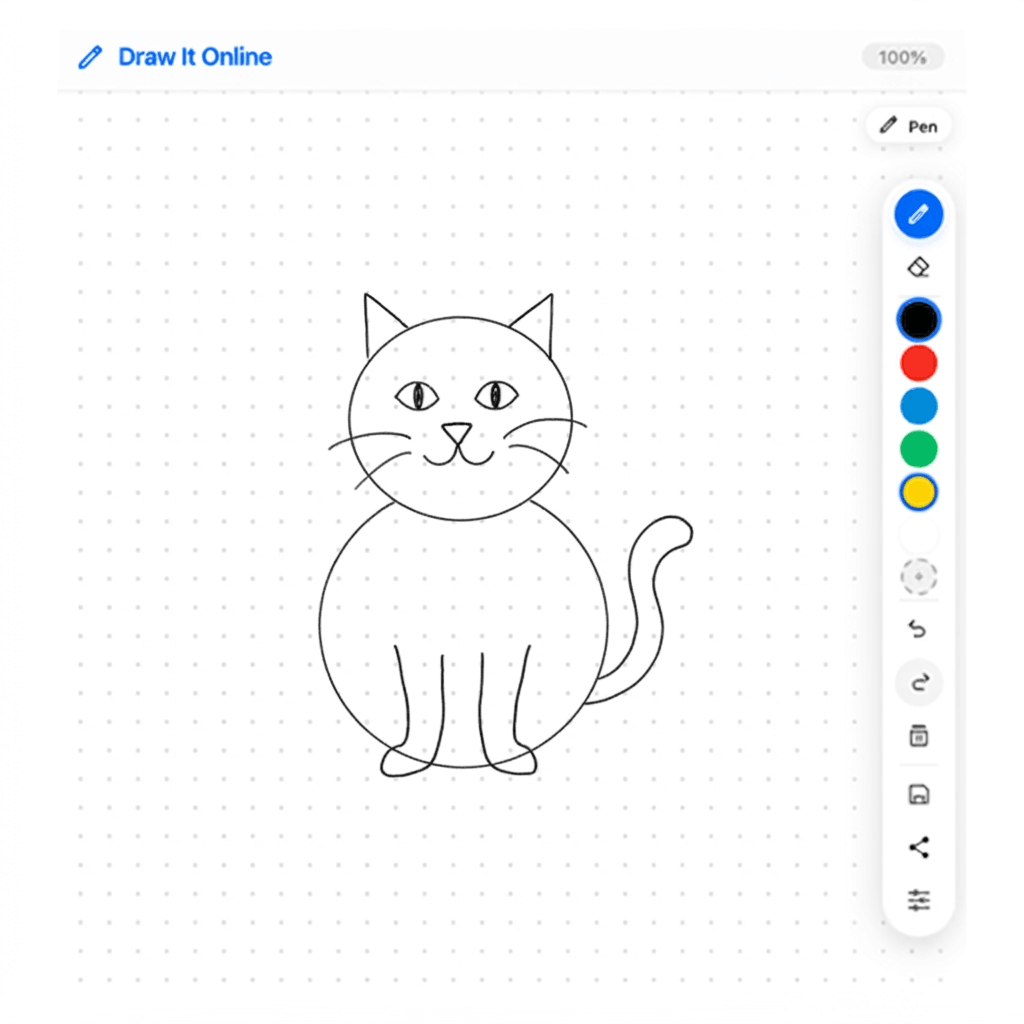
How to Draw a Simple Cat – Interactive Lesson
Learn to draw a cute cat step by step. Master basic shapes, ears, whiskers, and expressions with this interactive tutorial.
Interactive Beginner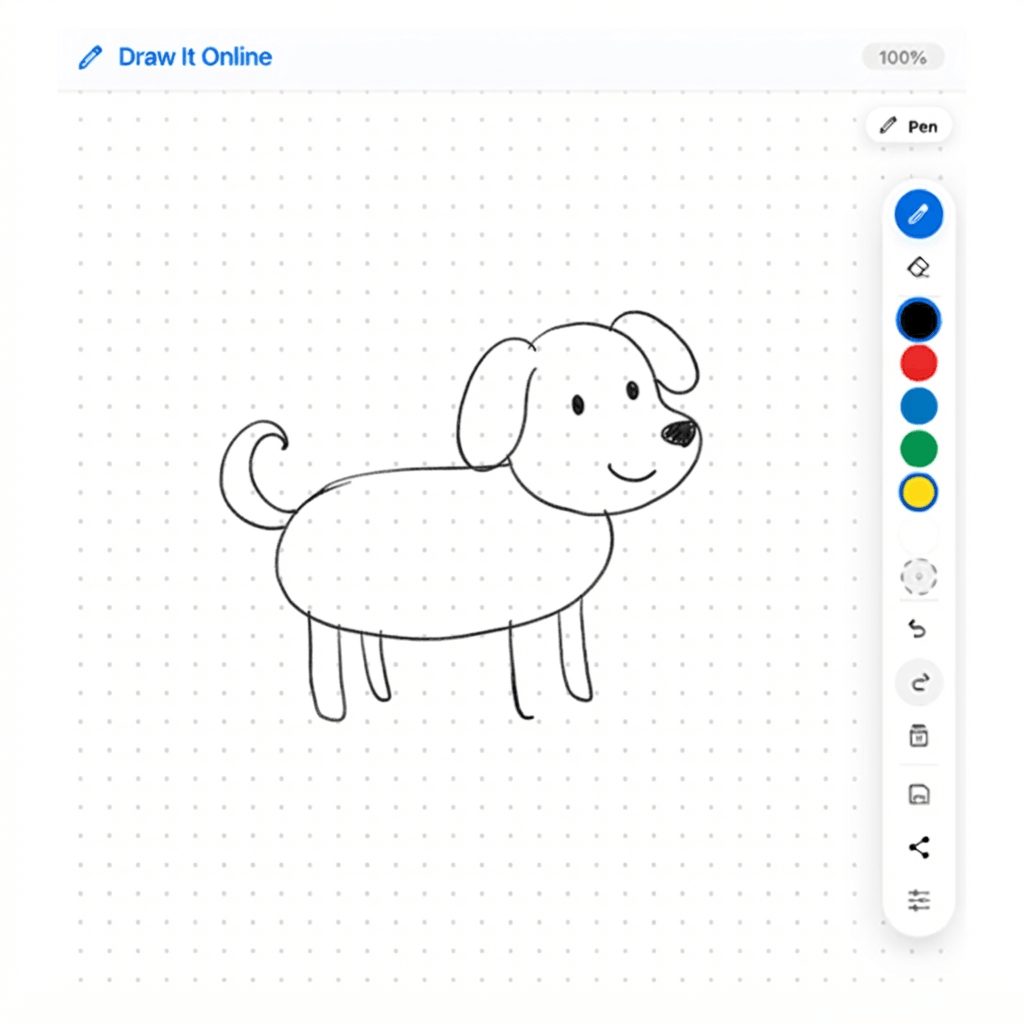
How to Draw a Simple Dog – Interactive Lesson
Learn to draw a cute dog step by step. Master basic shapes, floppy ears, paws, and expressions with this interactive tutorial.
Interactive BeginnerTutorials & Tips
Embed Draw It Online on Your Site
Add a free drawing canvas to your website, blog, or online course with just one line of code.
Tips for Using Draw It Online
- Quick colour palette – the six colours on the toolbar let you switch colours instantly. Click the “+” to open the full colour picker.
- Undo/Redo shortcuts – Ctrl+Z (or ⌘Z) undoes the last stroke, Ctrl+Shift+Z redoes.
- Infinite canvas – pinch to zoom, drag to pan, and rotate with two-finger rotation.
- Auto‑save – your work is saved automatically; you can still export a copy whenever you want.
- Grid – enable the grid from settings to help with alignment and precision drawing.
- Background colour – change the canvas background from the settings to suit your mood or project.
- Ambient sounds – tap the music icon in the toolbar to play white noise, pink noise, or rain sounds while you draw.
- Brush size slider – drag the vertical slider on the left side of the canvas to quickly change brush size.
Privacy & Security
Your data stays on your device. Draw It Online does not transmit, store, or share any of your drawings, strokes, or personal information. All data is saved exclusively in your browser's localStorage.
- No registration or login required.
- No cookies (except possibly for analytics if you've enabled them – we use Google Analytics only to count visits.).
- Your sketches are private – not even we can see them.
- If you clear your browser's site data, your drawings will be removed permanently (so back up important ones).
We recommend exporting your work (PNG or PDF) if you need a permanent copy. You can also save the page as a shortcut for quick access.
Quick Access
For convenient access to Draw It Online, we recommend bookmarking this page in your browser. This will allow you to quickly start sketching with just one click.
Most browsers allow you to bookmark a page by pressing Ctrl+D (Windows/Linux) or ⌘D (Mac), or by clicking the star icon in the address bar.