Online Whiteboard – Free Collaborative Tool
A free online whiteboard for brainstorming, sketching, and teaching. No downloads, no sign-up, no account required. Start whiteboarding instantly in your browser.
What Is an Online Whiteboard?
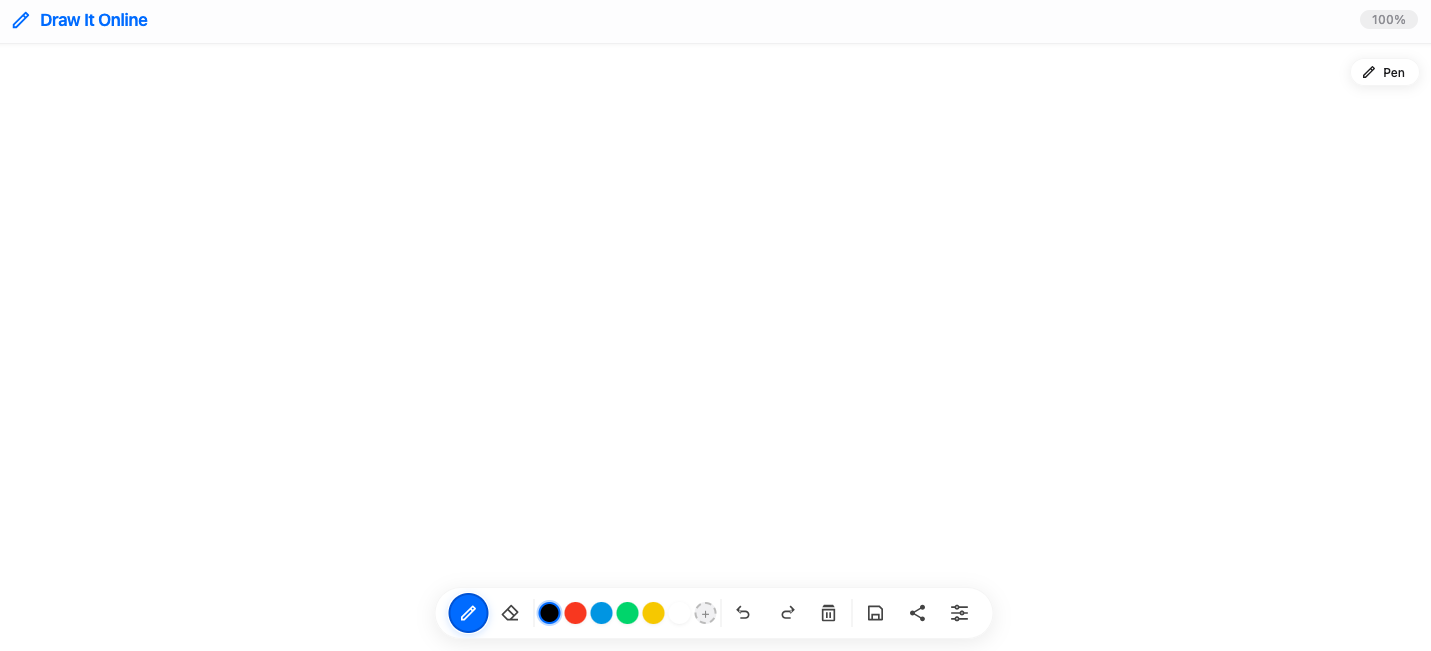
An online whiteboard is a digital space where you can sketch, write, brainstorm, and share ideas in real-time – all from your browser. It's like a physical whiteboard but with the power of digital tools.
Draw It Online provides a simple, intuitive whiteboard where you can capture ideas, teach concepts, collaborate with others, or just doodle freely.
Why Use Draw It Online as Your Whiteboard?
Brainstorming & Ideation
Perfect for capturing ideas, mind mapping, and brainstorming sessions.
Teaching & Presenting
Explain concepts visually – great for teachers, trainers, and presenters.
No Setup Required
Open your browser and start whiteboarding immediately. Nothing to install.
Free & Always Accessible
No subscriptions, no accounts – your whiteboard is available anywhere.
Who Is This Online Whiteboard For?
Draw It Online is perfect for:
- Teachers explaining concepts and conducting virtual lessons.
- Teams brainstorming ideas and mapping out projects.
- Designers sketching wireframes and user flows.
- Students taking visual notes and collaborating on group work.
- Anyone who needs a blank space to think and create.
How to Start Whiteboarding
Open the whiteboard
Click Start Drawing to launch your blank whiteboard.
Choose your tool
Select a pen, color, and size that works for you.
Start whiteboarding
Brainstorm, teach, sketch – let your ideas flow freely.
Save or share
Export your whiteboard as PNG or share it directly.
Ready to start whiteboarding? Click the button above and begin creating instantly.