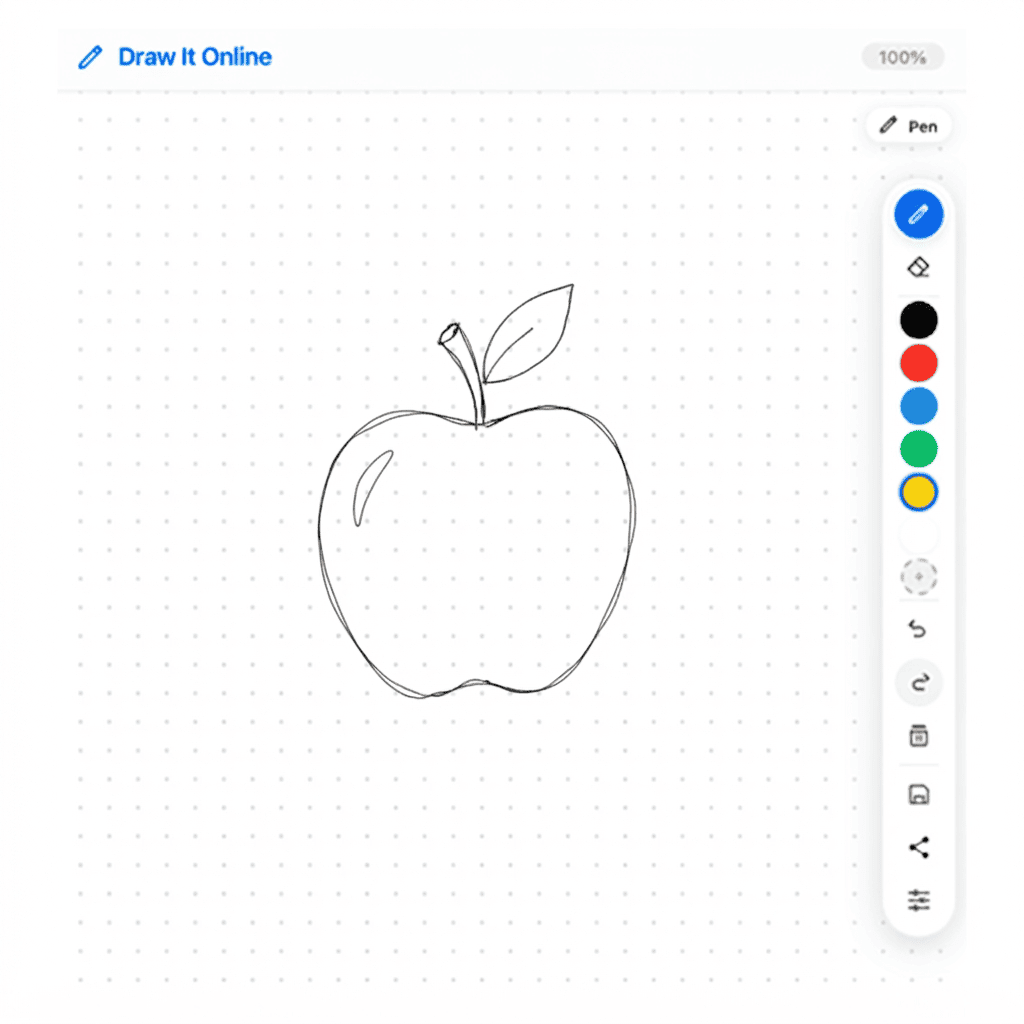
1 Setup Your Canvas
Look to the right panel – that's your live drawing app. Make sure the Pen is selected. Set your brush size to 3 or 5 (click the gear icon on the right toolbar). Pick a dark color like #2D3436 or #1A1A1A.
Optional: Turn on the Grid (Settings → Show Grid) – it can help you keep things centered!
2 Draw the Apple Body
An apple is essentially a round shape with a dip at the top and bottom. Let's start with the basic form.
- Draw a circle in the center of the canvas – this is the main body.
- Add a small dip (like a gentle V) at the top of the circle – this is where the stem goes.
- Add a similar but shallower dip at the bottom.
- Make the sides slightly wider than a perfect circle – apples are naturally round but not perfectly symmetrical.
Try this: Draw the apple slightly tilted to one side for a more natural look!
3 Add the Stem & Leaf
Hit Clear on the right toolbar. Draw the apple body again, then let's add the stem and leaf.
- Stem: Draw a short, slightly curved line coming up from the top dip.
- Leaf: Draw a small, pointed oval shape attached to the stem.
- The leaf should curve outward naturally – not stick straight up.
- Add a small vein down the center of the leaf for detail.
Try this: Draw the leaf pointing in different directions – some apples have leaves that curve to the left, others to the right!
4 Add Shading & Highlight
Now let's make your apple look three-dimensional and shiny with some shading.
- Highlight: Leave a small area on the top-left unshaded – this is where the light hits.
- Light shadow: Add some light curved lines on the bottom-right side for gentle shading.
- Dark shadow: Add darker strokes at the very bottom and right edge.
- Ground shadow: Add a soft shadow underneath the apple on the "table."
Try this: Use the Opacity slider (Settings → Opacity) to make the shading soft and gradual!
5 🏆 The Challenge
Click "Clear" on the right toolbar. Now set a timer for 5 minutes.
Your mission: Draw three different apples – each one with a different shape or style.
- Apple 1: A classic red apple with a shiny highlight
- Apple 2: A green apple (use a green color like #2ECC71) with a leaf
- Apple 3: A bitten apple (with a curved bite mark on one side)
- Bonus: Draw a bowl with multiple apples or an apple on a tree branch!
When the timer is up, hit the Save button to download your apple collection!