Online Canvas – Free Digital Canvas
An online canvas for digital drawing and sketching. Free, no downloads, no sign-up. Start creating on a blank canvas instantly in your browser.
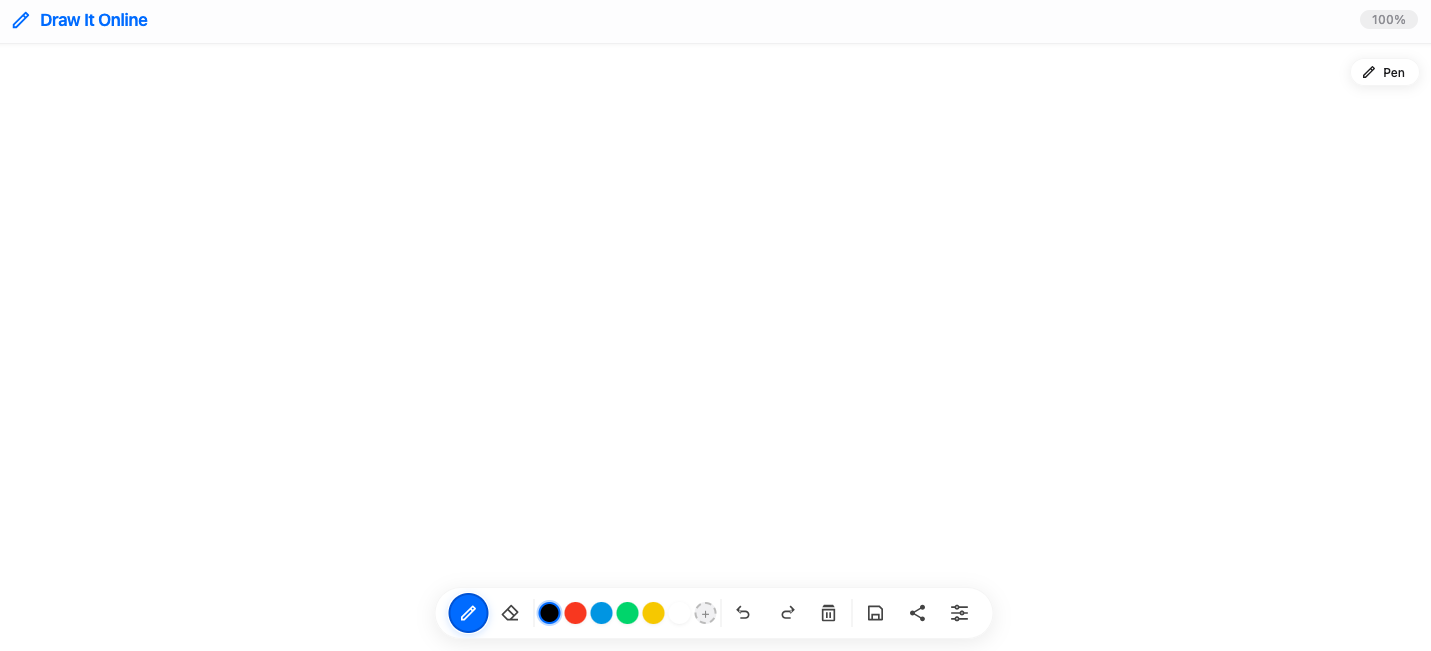
What Is an Online Canvas?
An online canvas is a digital drawing space that lives in your browser. It's like a blank piece of paper that you can sketch, draw, and create on without any physical materials.
Draw It Online provides a simple, intuitive canvas where you can bring your ideas to life – from quick doodles to detailed artwork.
Why Choose Draw It Online as Your Canvas?
Blank Canvas
Start with a clean slate – let your creativity flow freely.
No Setup Required
Open your browser and start drawing immediately. Nothing to install.
Auto-Save
Your artwork is automatically saved in your browser.
Always Accessible
Your canvas is available on any device with a browser.
Who Is This Online Canvas For?
Draw It Online is perfect for:
- Artists who want a digital canvas for sketching and drawing.
- Students taking visual notes and brainstorming ideas.
- Designers wireframing and prototyping concepts.
- Anyone who loves to draw and create on a blank canvas.
How to Start Using Your Online Canvas
Open the canvas
Click Start Drawing to open your blank canvas.
Choose your tool
Select a brush, color, and size to begin creating.
Start creating
Let your imagination guide you – there are no rules.
Save or share
Export your masterpiece as PNG or share it directly.
Ready to create on your online canvas? Click the button above and start drawing instantly.